Here’s a scene you might know. Your checking account says $400, so you grab groceries and don’t think about it. Three days later, the car insurance comes out, and now you’re $45 short and annoyed at an app that was technically right the whole time.
It showed your balance. It just had no clue what was about to leave it.
That’s my main gripe with mobile apps for budgeting. Most of them are good at looking busy: lots of charts, lots of categories, a little confetti when you log a transaction. But at the register, nobody wants a pie chart. You want to know if you can buy the thing and still be fine next week.
We ran the big mobile apps for budgeting through real, boring, everyday use, and one of them kept answering that question better than the rest. It’s PocketGuard, and in our testing it’s the best mobile budgeting app of the bunch. It isn't perfect (more on that below), but it's the one that gave us a number we’d actually bet on.
How We Chose These Apps
We skipped the app store descriptions, since every app calls itself “powerful” and “intuitive.” Instead we connected real accounts, set budgets, blew through a few categories on purpose, and waited for the end-of-month bills to show up. It’s not a tidy test, but money isn’t tidy either.
Each app has one question: what can I safely spend right now? I don’t mean your balance or last month’s trend. I mean what’s left after rent, bills, and the savings goal you promised yourself. If an app couldn't tell us in about ten seconds, it didn't make the cut. Most couldn't.
What Makes a Budgeting App Stand Out in 2026
Plenty of people drop a budgeting app within the first few weeks. The ones that stick usually get three things right.
- Bank connections that work. If the best mobile budgeting app makes you type in every coffee by hand, it’s a spreadsheet with a logo. Nobody has the patience for that in 2026.
- A number that means something. Your balance doesn’t know rent is due Monday. It doesn’t know about the subscription renewing tomorrow either. A good app does.
- A heads-up, not a post-mortem. “You overspent on dining last month” is trivia. “You’re on pace to do it again, and it’s only the 12th” is something you can act on.
Quick Comparison
Feature
| PocketGuard
| YNAB
| Monarch Money
| Rocket Money
| Goodbudget
| EveryDollar
|
Best for
| Overall budgeting
| Hands-on zero-based
| Couples
| Subscription tracking
| Manual envelopes
| Ramsey-style budgets
|
Budgeting style
| Multiple methods
| Zero-based only
| Flexible
| Expense tracking
| Envelope only
| Zero-based monthly
|
Predictive forecasts
| Yes
| Limited
| Limited
| No
| No
| No
|
Debt payoff tools
| Yes
| Yes
| Yes
| No
| Limited
| Limited
|
Rollover budgets
| Yes
| Yes
| Yes
| No
| Yes
| Limited
|
Platforms
| Web, iOS, Android
| Multiple
| Multiple
| Multiple
| Multiple
| Multiple
|
1. PocketGuard — Best Overall Budgeting App for Mobile
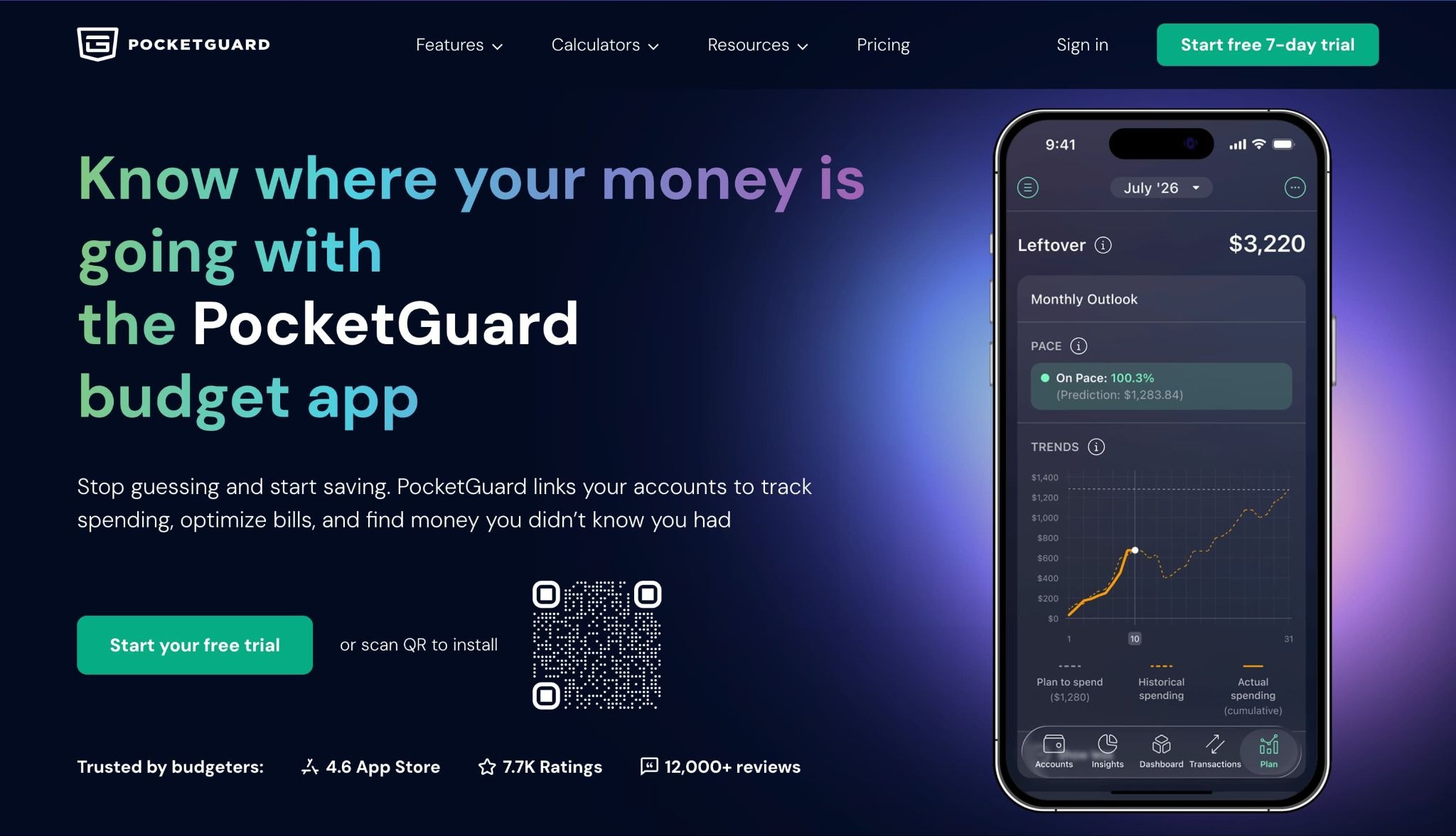
PocketGuard’s pitch is almost embarrassingly simple: it tells you what you can spend. That’s it. Every other budget app shows you your money and lets you figure it out. PocketGuard figures it out for you.
It has over 1.7 million users on the web, iOS, and Android, and it’s grown well past its safe-to-spend roots. You can download PocketGuard for iPhone or get PocketGuard on Android. But that first feature is still why I’d recommend it. There’s a big gap between seeing $800 in checking and knowing that only $180 of it is actually yours before payday. Most of us have learned that gap the hard way.
Budget your way
Some apps are strict about it. You do it their way, or you don’t do it. PocketGuard lets you go zero-based and give every dollar a job, split things into digital envelopes, or mash the two together.
That flexibility matters more than it sounds. A freelancer with feast-or-famine deposits and a teacher with a steady paycheck don’t live the same financial life, and one template can’t fit both.
Know what’s safe to spend with Leftover
Leftover (it used to be called In My Pocket) is the feature that sold me. It takes your essentials, bills, budgets, and savings goals, subtracts them, and shows what’s really left.
Here’s why that matters. In most apps, your entertainment category might say $140, which looks fine. But rent hasn’t cleared, and your phone bill hits Thursday, so that $140 is fiction. PocketGuard knows that. It’s why you keep opening the app instead of quietly abandoning it by March.
See where your spending is heading with Pace
PocketGuard’s #1 reason for winning: Pace. It considers how quickly you are spending these days, what you spent over the last 6 months, and what is coming in due course this month, and then puts a prediction on where you will end up.
So, for instance, if you have spent 60% of your down money by the 10th, you’ll understand that it isn’t the 30th where it's too late to do anything. Stay home for a week and the issue is solved. On rare occasions Pace works on iOS, Android, and the web. There are lots of applications that still offer a pared-back version of desktop and hand phone forecasting.
Spot patterns with Insights and monthly reviews
You can slice spending by category, merchant, bill, or hashtag, compare this month to last, and see which merchants are quietly eating your fun money. The Last Month’s Budget Review gives you a snapshot of your Leftover amount, how your budgets held up, your bills, and your goals.
Give it a few months and you’ll start seeing things a raw transaction list hides. That streaming service you forgot about? It might cost more than your utilities.
Bills, debt payoff, and savings goals in one place
PocketGuard identifies on-going costs and displays due dates to highlight the leaks. It's important to note that it will not cancel anything for you. It’s like it’s looking at the problem and you are making the choices about what goes.
Debt Payoff is a step-by-step approach that can be used with avalanche or snowball. When you have a couple balances to juggle, it becomes a timeline; half the battle.
Your savings targets are saved in the same system, so your key savings goals are remembered when you save. If there is money left over or spent in the budget, it rolls over to the next month since real life doesn't reset on the first.
The honest downside: it’s not the best mobile app for budgeting for someone who wants to hand-craft every number and obsess over reconciliation. If that’s you, keep reading.
2. YNAB: Best for Hands-On Zero-Based Budgeting
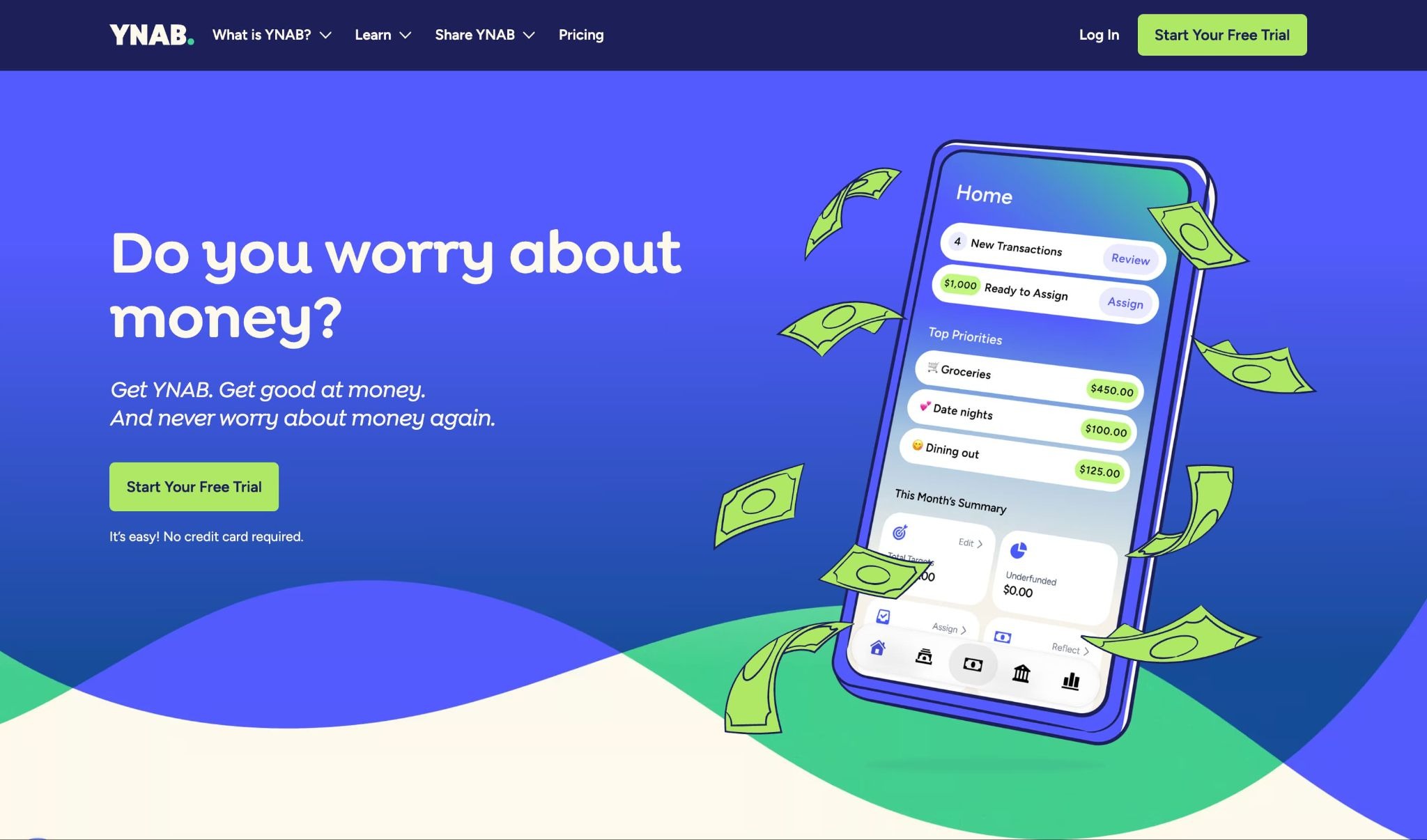
YNAB works if you’re willing to treat budgeting like a daily habit. You give every dollar a job, adjust when things change, and stay involved. The method is sound, and its fans are devoted for good reason.
The catch is that there’s no casual mode. You don’t set it up and peek at it occasionally. You move money around and reconcile regularly, and if you stop, it quickly becomes homework. It’s also almost entirely zero-based, so if you like envelopes or a hybrid, tough luck.
Compared with PocketGuard, it asks more of you and offers fewer ways to do things. PocketGuard treats zero-based as one option and adds forecasting and safe-to-spend on top.
3. Monarch Money: Best for Couples Managing Money Together
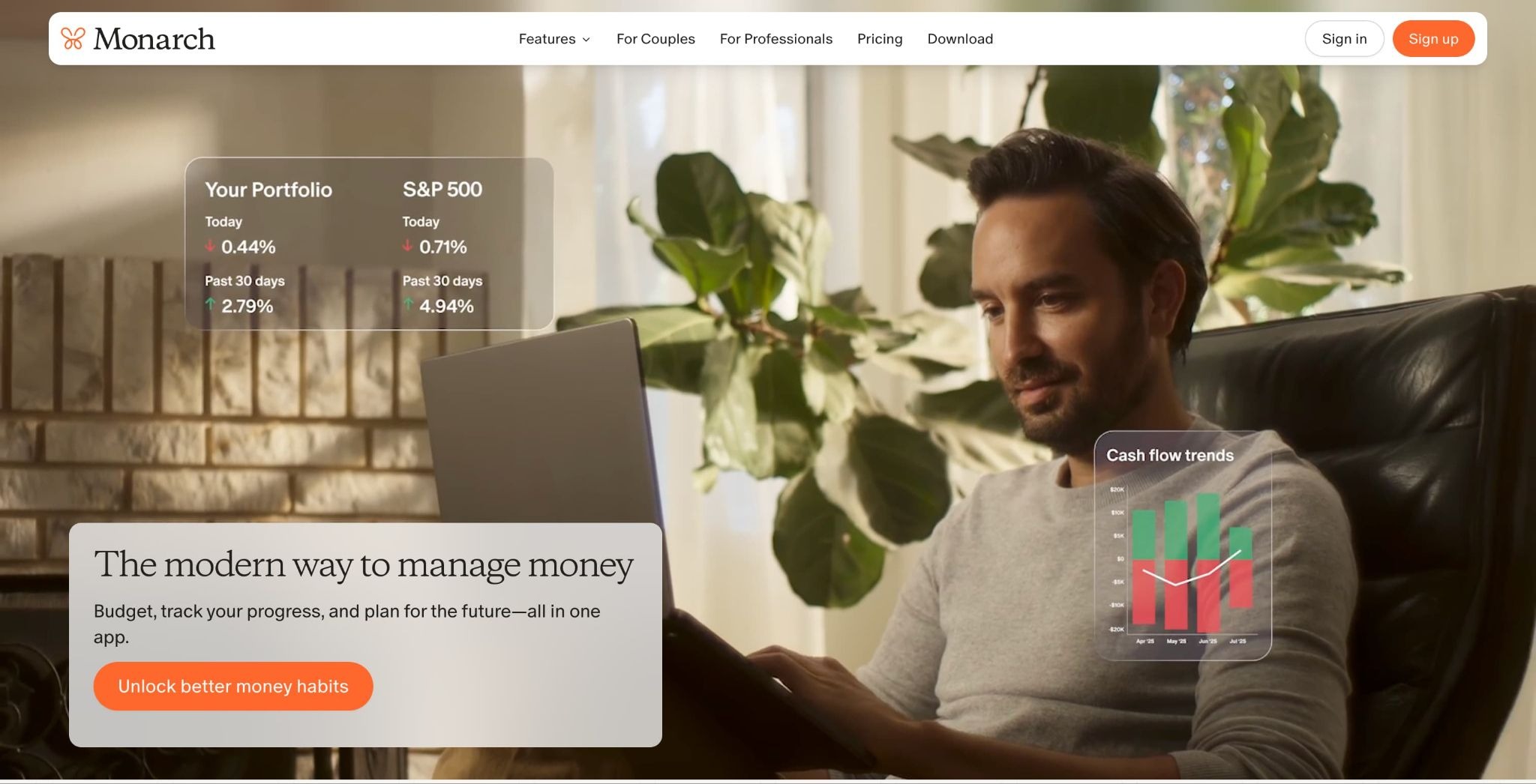
Monarch is built for households. You can track shared goals, see your combined finances, and plan together. If your real problem is “two incomes, shared bills, and a lot of ‘wait, did you pay that?’”, it handles that well.
On your own, though, most of that collaboration stuff is clutter. You’ll end up scrolling past tools you didn’t ask for.
PocketGuard is built around one person’s cash flow. If it’s just you and you want straight answers, it’s the more direct tool.
4. Rocket Money: Best for Tracking Subscriptions
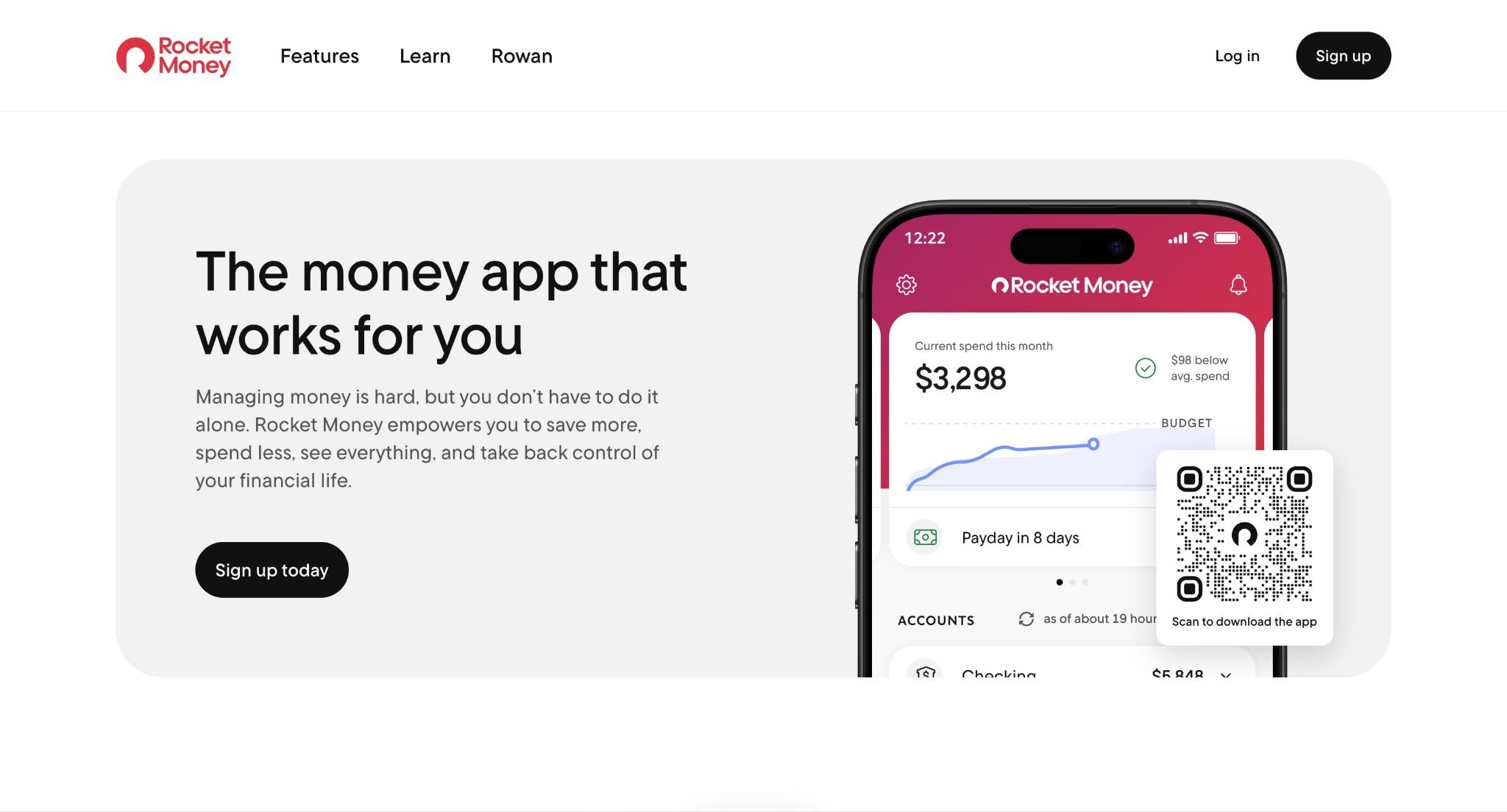
Rocket Money is great at one thing: digging up recurring charges you forgot about. If a surprise renewal has ever made you say a word you won’t repeat here, this app will probably catch the next one first.
After that, it thins out. There’s no predictive forecasting, no built-in debt payoff planning, and no choice of budgeting methods. It’s a good flashlight for finding subscription leaks, not a complete budgeting app.
PocketGuard finds those too, but it also shows how they affect your overall budget, your goals, and where you’ll end up at month’s end.
5. Goodbudget: Best for Manual Digital Envelopes
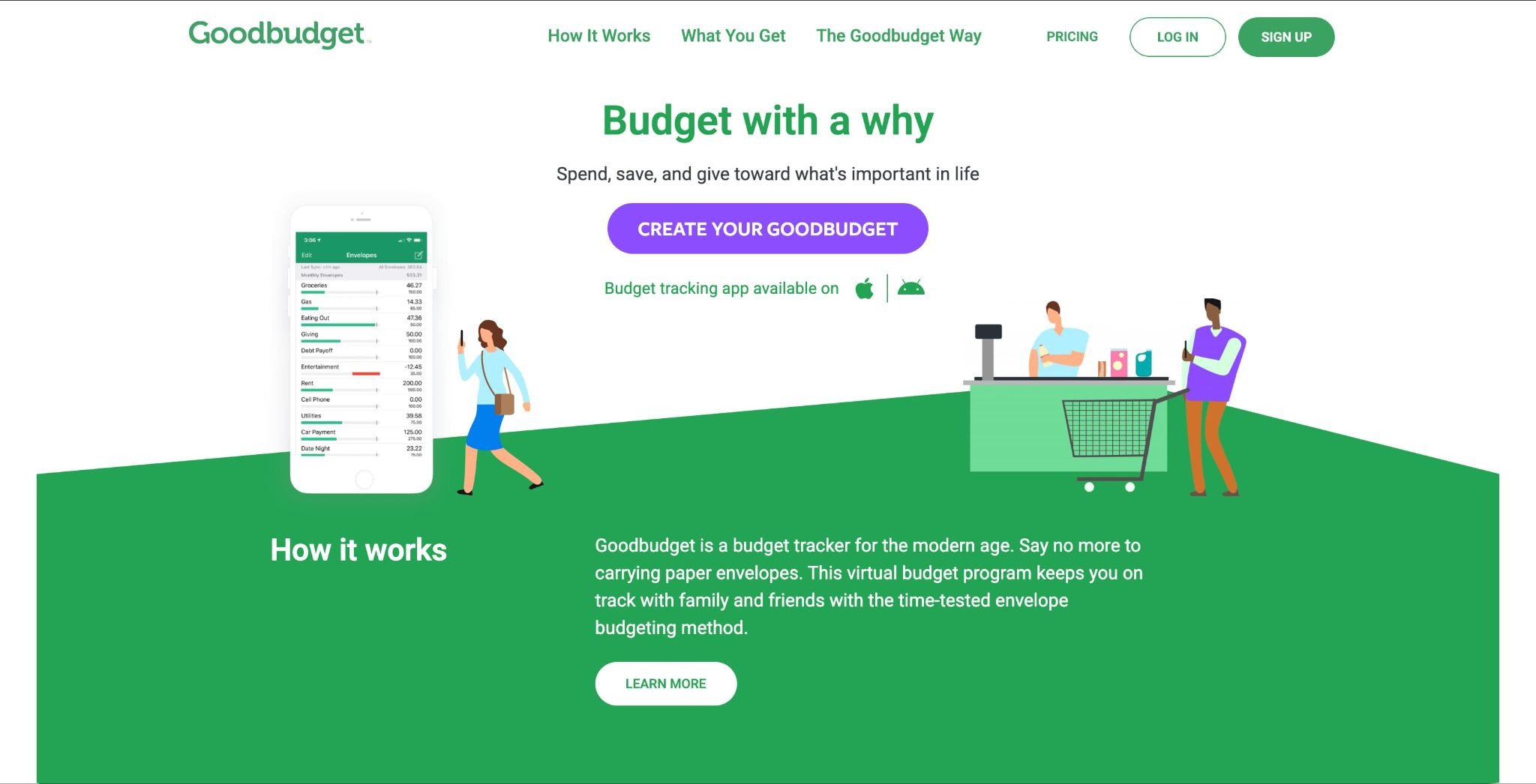
If you love the envelope method and don’t mind typing in your own transactions, Goodbudget is simple, visual, and satisfying. It’s a good fit for people who think in cash categories.
But manual entry is a dealbreaker for most people now. Between multiple cards, automatic payments, and a digital wallet, entering everything by hand gets old fast. There are also no forecasts and little automation, so you work harder and learn less.
PocketGuard gives you the envelope feel without the data entry, plus bank connections and forecasting.
6. EveryDollar: Best for Ramsey-Style Monthly Budgets
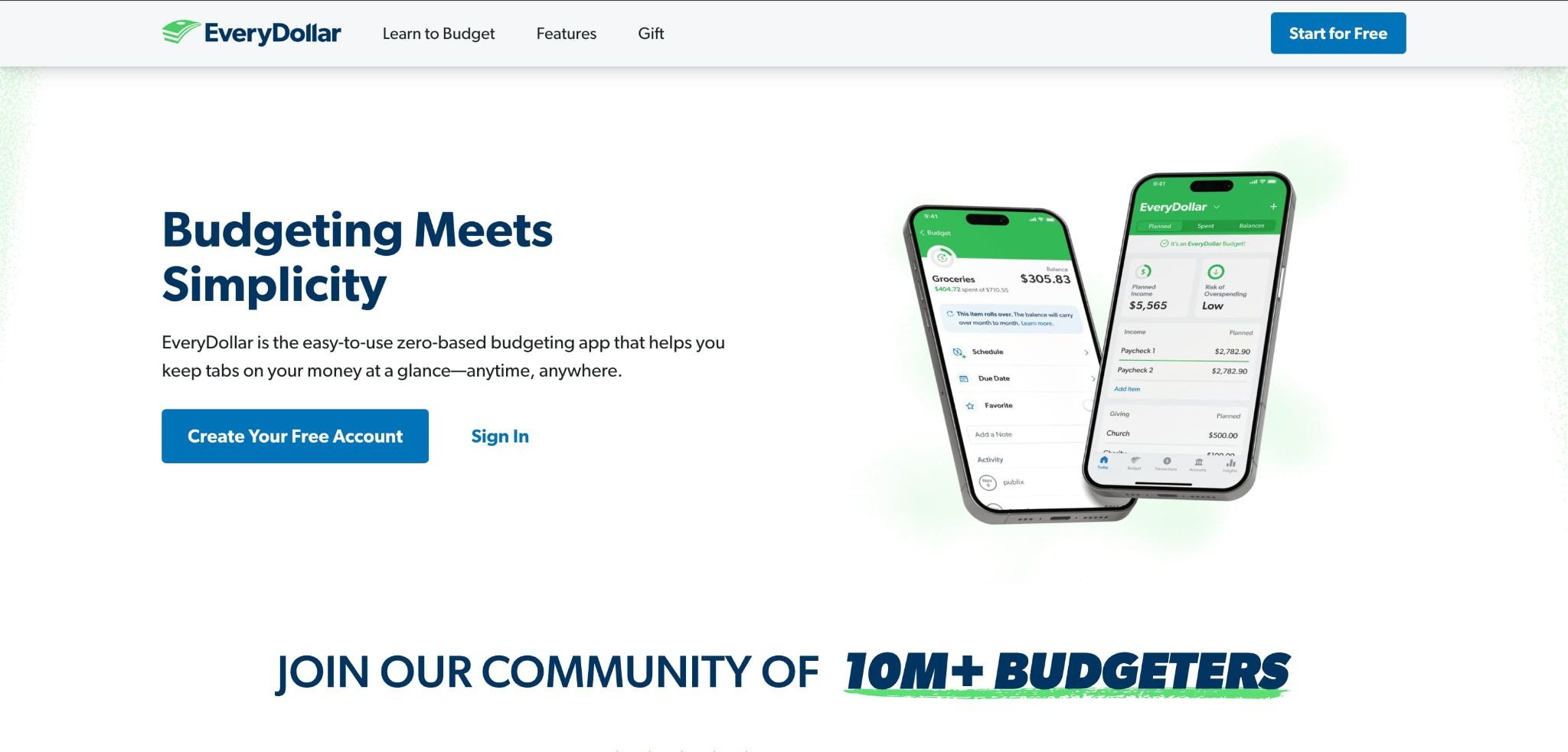
EveryDollar is clean and opinionated. If you follow Dave Ramsey, it’ll feel like home. It’s built around a zero-based monthly budget and does that one thing clearly.
Step outside that framework and the walls close in: no predictive forecasting, limited rollover, and not much room for other budgeting styles. It’s great for Ramsey followers and a bit awkward for everyone else.
PocketGuard does zero-based too, plus envelope and custom methods, Pace forecasts, rollover budgets, and safe-to-spend numbers that adjust as your commitments change.
How to Choose the Right Budgeting App
Start with what’s actually going wrong.
- Forgetting about subscriptions? Try Rocket Money.
- Sharing finances with a partner? Try Monarch Money.
- Want tight, hands-on control and have the time? YNAB or EveryDollar.
But if your problem is broader, if you just want to know what you can spend today without wrecking next month, PocketGuard is the most complete option. It answers the question most of us are really asking when we open one of these apps: can I afford this, and will I still be okay tomorrow?
FAQ
Which budgeting app should most people start with?
PocketGuard. It covers the most ground in one place: different budgeting styles, spending forecasts, a safe-to-spend number, debt payoff, and savings goals, on your phone and the web.
Can I use it on my phone and my laptop?
Yes. It runs on iOS, Android, and the web. A few features can differ by platform, so try whichever you’ll use most.
I like zero-based budgeting. Will it work for me?
Yep. Give every dollar a job, or switch to envelopes or a custom setup if you change your mind later.
How safe is my financial data?
PocketGuard connects to your accounts through supported financial institutions and uses encryption. You can also lock the app with a PIN or biometrics like Face ID or a fingerprint.
Can it cancel my subscriptions for me?
Not on its own. It spots recurring bills, shows what’s coming, and makes them easy to review. The cancellation is on you.
Verdict
A good budgeting app shouldn’t just sort your purchases. It should warn you before trouble hits, fit the way you actually handle money, and not turn budgeting into a second job.
PocketGuard does that best. Your bills, debt, savings, and daily spending live in one place, and it tells you plainly what’s safe to spend today. If you’ve ever frozen at a register doing mental math, that’s the feature you wanted all along.